
Free download · no strings
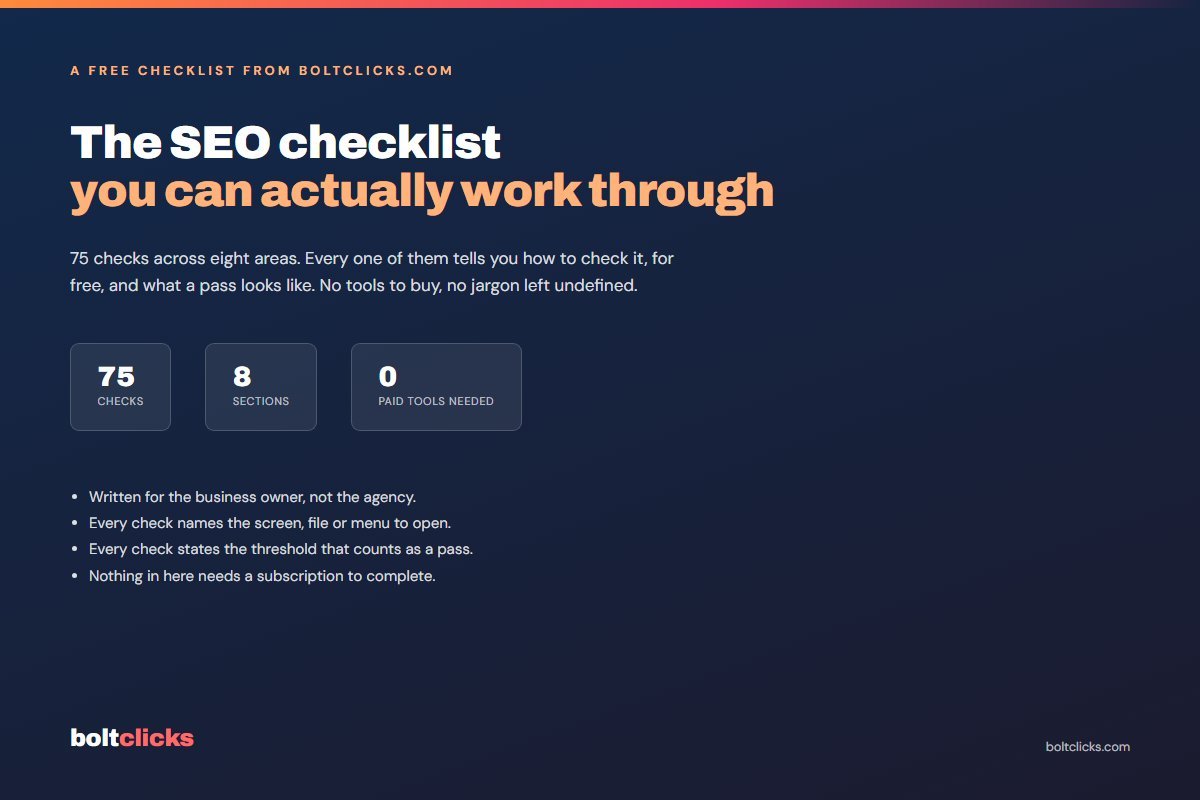
The SEO checklist you can actually work through
Seventy-five checks across eight areas of your website. Every single one tells you exactly how to check it, using free tools, and what a pass looks like. Written for the person who owns the business, not for an agency.
- Every check names the screen, file or menu to open.
- Every check states the threshold that counts as a pass.
- Nothing in it needs a subscription to complete.
What is actually inside
Eight sections, sequenced so the checks that stop everything else from working come first. There is no point auditing your headings while Google is being told not to crawl the site.
Before you touch anything
Baseline, access and measurement. Search Console set up properly, a dated record of where you start, and what one enquiry is actually worth.
Technical and crawling
Indexing, robots.txt, sitemaps, canonicals, https and www consistency, redirect chains and the noindex tag someone left on at launch.
Speed and Core Web Vitals
LCP, INP and CLS explained in plain words, image sizing, render-blocking scripts, caching, fonts and what your host contributes.
On-page
One H1 per page, title and description lengths, heading order, internal links, URLs, image alt text, schema, thin pages and cannibalisation.
Content that earns the enquiry
Intent match, a page per service instead of one page for everything, proof instead of claims, and a clear next step on every page.
Local search
Business Profile completeness, categories, service areas, photos, reviews, citation consistency, local pages and map pack position by area.
Links and authority
What you already have, broken inbound links, unlinked mentions, supplier and association listings, and the patterns worth avoiding.
Tracking, reporting and AI search
Conversions that are real enquiries, call tracking, end-to-end form testing, and whether AI answers mention your business at all.
Verify Search Console is set up as a domain property, not one URL version
How In Search Console open the property picker, top left. A domain property reads example.com, with no https or www. If yours reads https://www.example.com, add one and verify by DNS TXT record.
Pass example.com listed as a domain property, the Performance report returning data, and your sitemap showing Success under Sitemaps.
Who this is for, and who it is not
It is a checklist, not a course. It assumes you can log in to your own site and are willing to look at a few settings screens.
It will be useful if
- You own a business with a website and you are not sure whether the SEO work being done is real.
- You are about to hire someone and want to know what to ask them.
- You do your own marketing and want a running order rather than a pile of blog posts.
- You inherited a site from a developer who has since disappeared.
- You want a before-and-after record you can actually compare in ninety days.
It will not be useful if
- You want software to do it for you. This is a list of things a person looks at.
- You are after a score out of a hundred. There is no score, because a score hides which failures cost money.
- You need enterprise-scale auditing across thousands of URLs.
- You are hoping for a shortcut. There is no check in here that ranks a page by itself.
Where should I send it?
Give me a name and an email and the PDF opens straight away. One email, the checklist attached, and that is the end of it unless you write back.